
PDFelement Review 2026: Pricing, Pros, Cons and Alternatives
Every way to pay for Wondershare PDFelement, from the yearly plan to the version 13 license you keep, set against Acrobat, Foxit, PDF-XChange, UPDF, and PDFgear.

PDFelement is worth it for a Windows or Mac user who wants Acrobat-style editing, OCR, and redaction at well under Adobe's price. On Wondershare's US store, checked November 4, 2026, the yearly plan is $79.99, the 2-year plan is $109.99, and a perpetual PDFelement 13 license is $129.99, each for one operating system. Buy the 2-year term if you want the lowest yearly cost, the perpetual license if version 13 will do for years, and look at PDFgear first if free is enough.
Key factsBest for: One person who wants Acrobat-class editing, OCR, and…
- A full desktop PDF editor whose real choice is the term: rent yearly, rent two years, or own version 13.
- Cheapest term per year: The 2-year plan works out to about $55 a year, by our arithmetic
- Perpetual license: Covers PDFelement 13 only; Wondershare says major upgrades may cost extra
- Cross-platform upgrade: $10 more per term adds Mac, iOS, Android, and web
- AI included: 50 AI uses on paid plans, then an add-on
Pros
- The 2-year plan works out to about $55 a year and renews only when you choose.
- The cross-platform upgrade is $10 a term and adds iOS, Android, web, and 100 GB of cloud.
- Version 13 adds AI Risk Review and Agreement Compare for contracts.
Cons
- The perpetual license covers version 13 only, and a major upgrade may cost extra.
- Only 50 AI uses are included, and AI chat, translate, and summarize upload the file to Wondershare's cloud.
- Refunds exclude change of mind and uncanceled renewals.
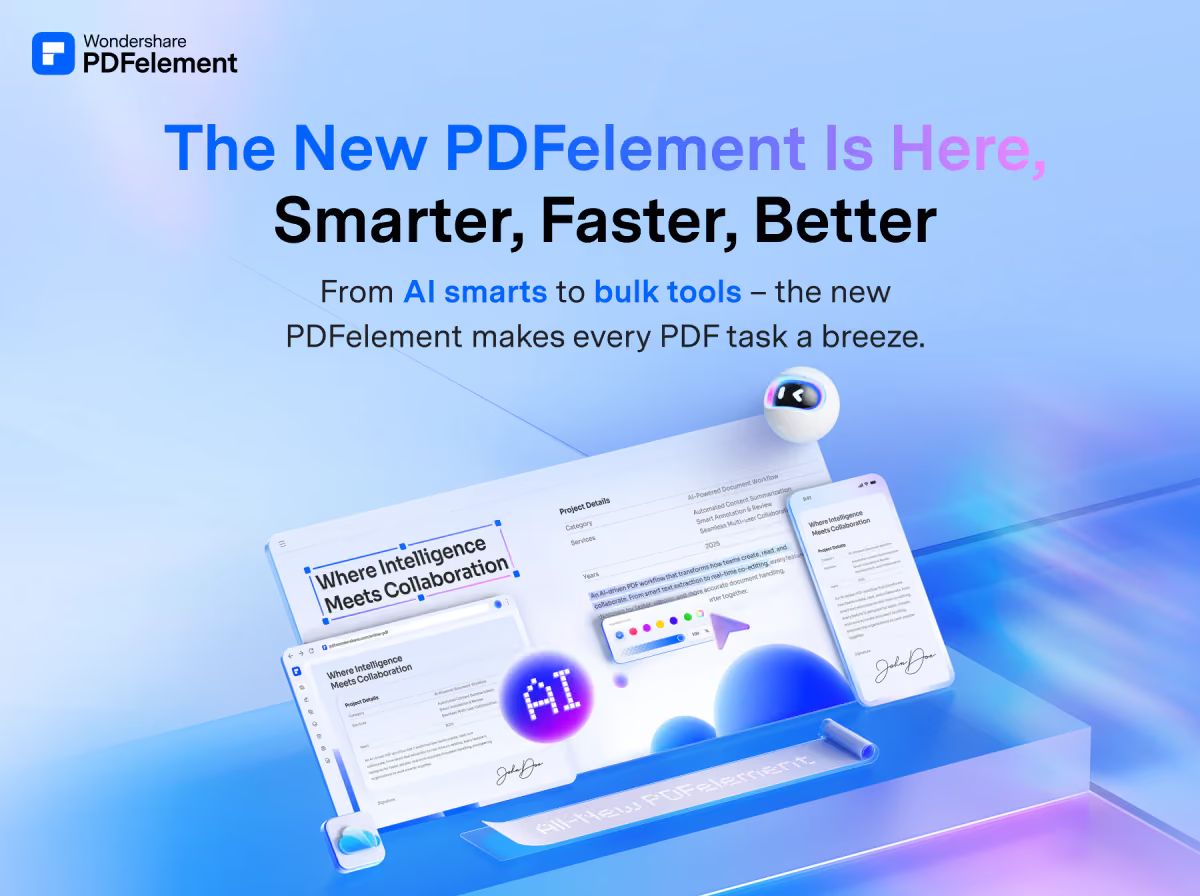
PDFelement is the rare PDF editor where the checkout term matters more than the plan name. Every individual buyer gets the same features. What changes is how long you pay for, how many operating systems you cover, and whether the license renews on its own.
Pick the wrong term and you either rent a tool you could have owned or own a version you will want to replace.
This review prices the three US terms, yearly, 2-year, and perpetual, on single-platform and cross-platform licenses, then sets them against Adobe Acrobat, Foxit, PDF-XChange, UPDF, and PDFgear.
Toolradar data: Adobe Acrobat's comparison pages on Toolradar, the software directory we run, drew 144 visits in the 30 days to November 3, 2026, the most of 19 e-signature tools with 20 or more such visits, and the free PDFgear was the product those visitors compared it with most.
How we compared: every price below was read on the vendor's own store or pricing page on November 4, 2026, and price history comes from archived copies of Wondershare's own store page. Dupple runs no test lab, so features are described from Wondershare's store, release notes, and spec sheet.
The wider field is in our best PDF editors guide.
What is PDFelement?
Wondershare PDFelement is a desktop PDF editor for Windows and Mac, with iOS, Android, and web apps on cross-platform licenses. It edits text and images in place, converts PDFs to Office formats, runs OCR on scans, builds and fills forms, redacts, compares files, and signs with a digital certificate. In short, it covers the Acrobat Pro job list for a single person.
Wondershare's release notes date PDFelement 13 to September 3, 2026. That release added AI Spaces, which pulls PDFs, slides, Word files, and YouTube links into one place you can question, and an Agreement Copilot with AI Risk Review and Agreement Compare for contracts.
Version 12 landed on September 4, 2025, with AI-powered smart redaction and batch digital signing, so a new major version has arrived each September.
The spec sheet lists Windows 7 through 11 and macOS 11 through macOS 26, plus OCR in 29 languages on Windows. Older office PCs are covered, which matters to a buyer replacing Acrobat on mixed hardware.
How PDFelement works
You download the app, sign in with a Wondershare ID, and the license unlocks the full editor. Before you pay, the registered 14-day trial needs no card and opens nearly every feature.
It watermarks every saved file, caps combine and batch work at 3 files within 20 MB, and holds back Compress, XFA, and full OCR, so you cannot finish real work on the trial.
A single-platform license allows simultaneous sign-in on two devices of one operating system, two Windows PCs or two Macs. The cross-platform license allows two Windows, two macOS, two iOS, and two Android devices plus the web app. It also lifts PDFelement Cloud storage from 20 GB to 100 GB.
AI runs on a quota. Wondershare's AI help center gives paid members 50 AI uses, then sells add-on packs. Each AI chat session counts as one use, while Smart Redact and AI Risk Review count one use per page.
Chat, summarize, translate, and grammar check also upload the PDF to your PDFelement Cloud first, so keep confidential files on the manual tools.
Why it matters
The price gap with Adobe is the reason PDFelement gets shortlisted. On Adobe's annual plan billed monthly, a year of Acrobat Pro comes to $239.88 by our arithmetic. PDFelement's single-platform year costs about a third of that, and its perpetual license costs less than seven months of Pro, which is real money for a freelancer paying out of pocket.
The catch is that Acrobat is still the format other people check your file in. If a counterparty, a court portal, or an accessibility auditor expects Acrobat output, the cheaper editor saves money until the first rejected file. For everyone else, merging, editing, OCR, and redaction are the same job on either tool.
PDFelement key features
PDFelement pricing
Wondershare's Windows store and Mac store print the same US prices, read on November 4, 2026.
The yearly plan is $79.99 on one platform or $89.99 cross-platform, and it renews automatically. The 2-year plan is $109.99 or $119.99 and renews only when you choose to, which removes the surprise renewal charge.
The perpetual license, one payment for PDFelement 13, follows the same pattern, a little cheaper on one platform than on all of them.
The 2-year term is the cheapest way to rent: about $55 a year, by our arithmetic, well under the yearly plan, and nothing renews behind your back. The perpetual license costs $50 more than one yearly term and $20 more than the 2-year plan.
Two yearly terms at today's price come to $159.98, though Wondershare's FAQ says renewal rates can change. If version 13 will still do the job in two years, owning it is the better buy; if you want every new release, rent.
The store shows every price beside a higher struck-through figure, $129 for the yearly plan and $159 for the perpetual license. Archived copies of the same page tell a steadier story.
The yearly and 2-year prices were identical on January 5, 2025 and September 16, 2026, while the single-platform perpetual license sold for $110.49 in a January 2025 New Year sale and $103.99 in the version 13 launch offer.
Wait for a launch or holiday sale if you want the perpetual license, because the yearly price has not moved in either copy.
AI beyond the included 50 uses is an add-on on the AI help center: $3.99 a month for 1,000 uses, $9.99 a quarter, $19.99 for six months, or $39.99 a year for 12,000 uses.
A single-platform year plus the annual AI pack comes to $119.98 by our arithmetic. Team licenses are sold per seat on the business store, so check the current team price on Wondershare's site, and volume deals go through sales.
Refunds are narrower than the 30-day money-back banner suggests. Wondershare's refund policy excludes change of mind and renewal orders you did not cancel, and asks you to cancel at least 24 hours before a term ends. Treat the trial as your test and the purchase as final.
For comparison, Adobe's pricing page charges up to half the remaining annual commitment if you cancel Standard or Pro after 14 days. Foxit's pricing page lists Editor+ at $159.99 per user per year and a perpetual Editor 14 license at $209.99.
PDF-XChange sells a perpetual Editor license for $62 on Windows only, with no refund once keys are released. PDFgear charges nothing.
| Plan | Price | Best for |
|---|---|---|
| PDFelement free trial | Free, 14 days | Nearly all features, watermark on save, no card |
| PDFelement Yearly, single-platform | $79.99/yr, auto-renews | Two devices on one OS, 20 GB cloud, 50 AI uses |
| PDFelement Yearly, cross-platform | $89.99/yr, auto-renews | Two devices each on Windows, macOS, iOS, Android, plus web, 100 GB cloud |
| PDFelement 2-Year, single-platform | $109.99 per 2 years | Manual renewal, updates for the full term |
| PDFelement 2-Year, cross-platform | $119.99 per 2 years | Manual renewal, all platforms and web |
| PDFelement Perpetual, single-platform | $129.99 once | Permanent PDFelement 13 license with minor updates |
| PDFelement Perpetual, cross-platform | $139.99 once | Version 13 on all desktops; mobile and web for a limited time |
| PDFelement AI add-on | $3.99/mo or $39.99/yr | 1,000 AI uses a month, or 12,000 over a year |
| Adobe Acrobat Standard | $14.99/mo, annual, billed monthly | Edit, convert, e-signatures, password protection |
| Adobe Acrobat Pro | $19.99/mo, annual, billed monthly | Adds redaction, web forms, scan to editable PDF |
| Foxit PDF Editor | $129.99/user/yr | Windows, macOS, and web, 300 AI credits a month |
| Foxit PDF Editor 14 perpetual | $209.99 once | One-time license for version 14 |
| PDF-XChange Editor | $62 once | Single-user perpetual license, Windows 10 and later |
| PDFgear | Free | Edit, convert, merge, sign, no sign-up |
PDFelement pros and cons
What we like
- The 2-year plan works out to about $55 a year and renews only when you choose.
- The cross-platform upgrade is $10 a term and adds iOS, Android, web, and 100 GB of cloud.
- Version 13 adds AI Risk Review and Agreement Compare for contracts.
What could be better
- The perpetual license covers version 13 only, and a major upgrade may cost extra.
- Only 50 AI uses are included, and AI chat, translate, and summarize upload the file to Wondershare's cloud.
- Refunds exclude change of mind and uncanceled renewals.
Who PDFelement is for
Buy PDFelement if you are one person who edits, converts, and OCRs PDFs every week and refuses to pay Acrobat rates. Freelancers, consultants, small-office admins, and students with real document work fit best. The 2-year plan suits someone who wants updates; the perpetual license suits someone who wants to stop paying.
Skip it if your counterparties live in Acrobat, if you need e-signatures at volume, or if every document is confidential and you wanted the AI features. Wondershare's plan comparison lists 3 eSign requests on paid plans, so a sales team should read our e-signature guide instead.
Law firms should start with our PDF editors for lawyers, and anyone with only occasional edits should try the best free PDF editors first.
The daily Techpresso brief covers price changes like these as they happen: subscribe free.
Best PDFelement alternatives
If PDFelement is not the right fit, these are the closest options.
| Tool | Best for | Starts at | |
|---|---|---|---|
| PDFelement | One person who wants Acrobat-class editing, OCR, and redaction without a monthly Adobe bill | $79.99/yr, $109.99 for 2 years, or $129.99 once for version 13 (one pl | Visit → |
| Adobe Acrobat | Teams whose clients, courts, or auditors test every file in Acrobat | Standard $14.99/mo, Pro $19.99/mo (annual, billed monthly) | Visit → |
| Foxit PDF Editor | Small teams that want an Acrobat-style desktop editor with admin-friendly yearly seats | Editor $129.99/user/yr, Editor+ $159.99/user/yr, or Editor 14 at $209. | Visit → |
| PDF-XChange Editor | Windows users who want the cheapest paid license they keep | $62 once (Editor), $79 once (Editor Plus) | Visit → |
| UPDF | One person who wants a single license across a computer and a phone | Yearly and lifetime plans | Visit → |
| PDFgear | People who edit, merge, convert, and sign PDFs a few times a month | Free on Windows, Mac, iOS, and Android | Visit → |


The bottom line
PDFelement is worth buying when one person needs Acrobat-class editing and will not pay Adobe's annual commitment. The 2-year plan is the cheapest way to rent it, and the perpetual version 13 license is the right buy if you can live without next September's release.
Pay the $10 cross-platform premium if a phone or a second operating system is in the picture.
Stay on Acrobat when others check your files in it.
Pick Foxit for a small team that wants yearly seats and a no-card trial, PDF-XChange for the cheapest Windows license you keep, and PDFgear when free is enough.
For scans, our free PDF OCR guide covers lighter options, and Smallpdf and iLovePDF handle one-off browser jobs.
Methodology: prices, plan limits, and refund terms were read on Wondershare's, Adobe's, Foxit's, PDF-XChange's, UPDF's, and PDFgear's own pages on November 4, 2026, and price history on archived copies of Wondershare's store. Cost figures marked as our arithmetic multiply printed prices only. Cite this: Techpresso, "PDFelement Review 2026", November 2026.
Frequently asked questions
Is PDFelement worth it in 2026?
How much does PDFelement cost?
Is PDFelement a one-time purchase?
Does PDFelement have a free version?
Is PDFelement better than Adobe Acrobat?
Can I get a refund on PDFelement?
Some offers on this page may be paid placements or contain affiliate links.
Get the Techpresso brief
Free daily newsletter, read in 5 minutes.
Subscribe free